 HTMLKeep
 · iPhone & iPad
Open local HTML files on iPhone and iPad
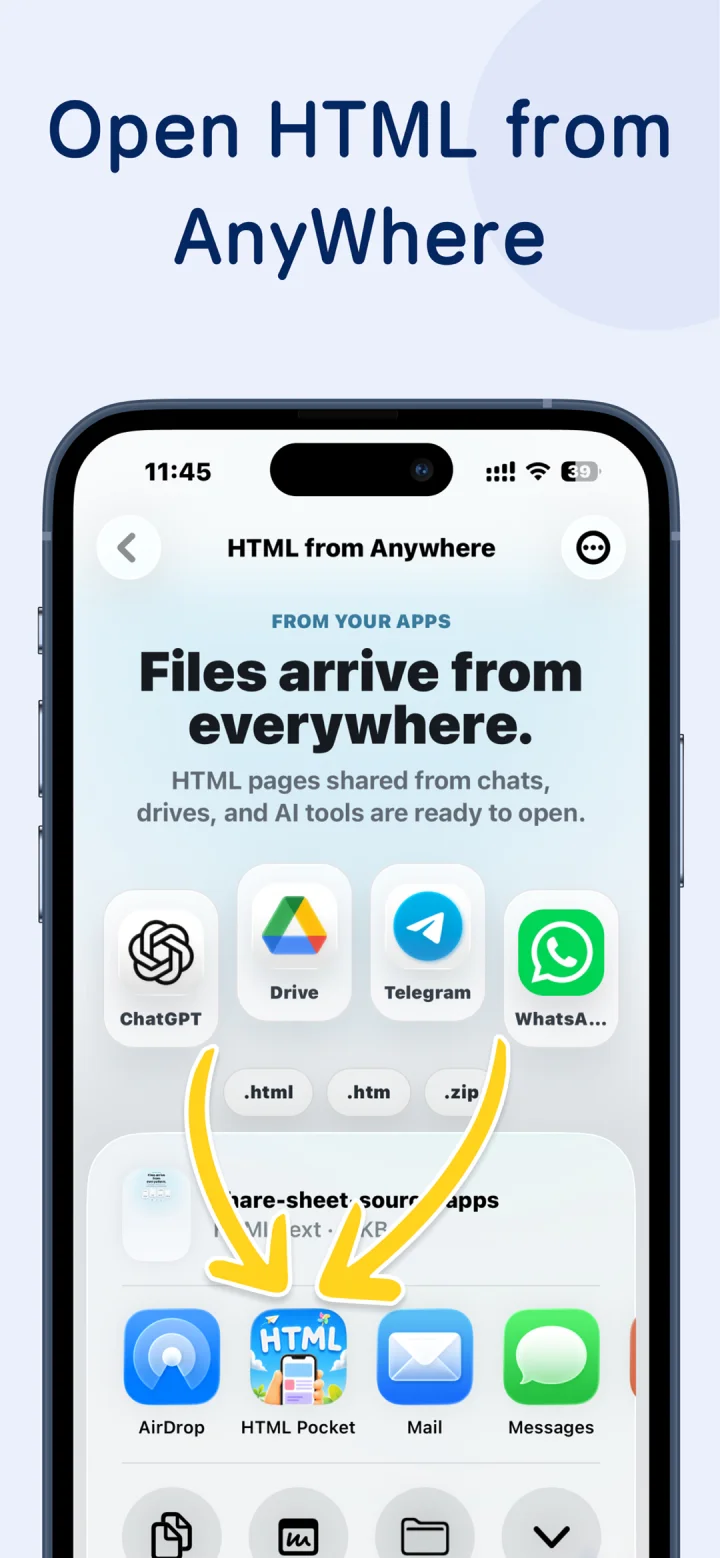
Have a report, a lesson or a little tool saved as HTML? Open it in HTMLKeep from Files. For a project with images and scripts, bring the whole ZIP.

What are you trying to open?
Choose the guide that matches what arrived on your device.

How do I open an HTML file on iPhone or iPad?
Open an HTML file on iPhone or iPad from Files. Use the share sheet or drag a file on iPad, and see what to do when Safari is missing from the list.

Why does my HTML page lose its CSS or images on iPad?
Fix missing CSS, images and scripts when an HTML project moves to iPad. Follow a real folder layout, pack the ZIP and test its entry page.

How to save an AI-generated HTML page to your phone
Turn a ChatGPT or Claude HTML preview into a file you can open on iPhone. Copy an export prompt and check the finished page outside the chat.

Can local HTML and JavaScript run offline on iPhone?
Run a self-contained JavaScript counter on iPhone and test an HTML project offline. Learn which files to bundle and which actions need a server.

Why does my HTML file open as text or code on iPhone?
See HTML tags on iPhone? Check the real file extension, the app showing the file and escaped markup to get back to the rendered page.

How do I browse a downloaded website offline on iPhone?
Open a downloaded multi-page website on iPhone. Pack the local site folder, open its contents page and follow chapter links without Wi-Fi.
Which file should you send?
- One .html file
- A self-contained report can travel as a single attachment. Open it and test a button or chart to check that the file includes the code it needs.
- A project folder
- Keep index.html, the stylesheet, scripts and images in their original folders. Compress them together before sending the ZIP to your device.
- A chat preview
- Ask for a downloadable static export. A conversation link opens the conversation, while the exported file can live in your page library.